



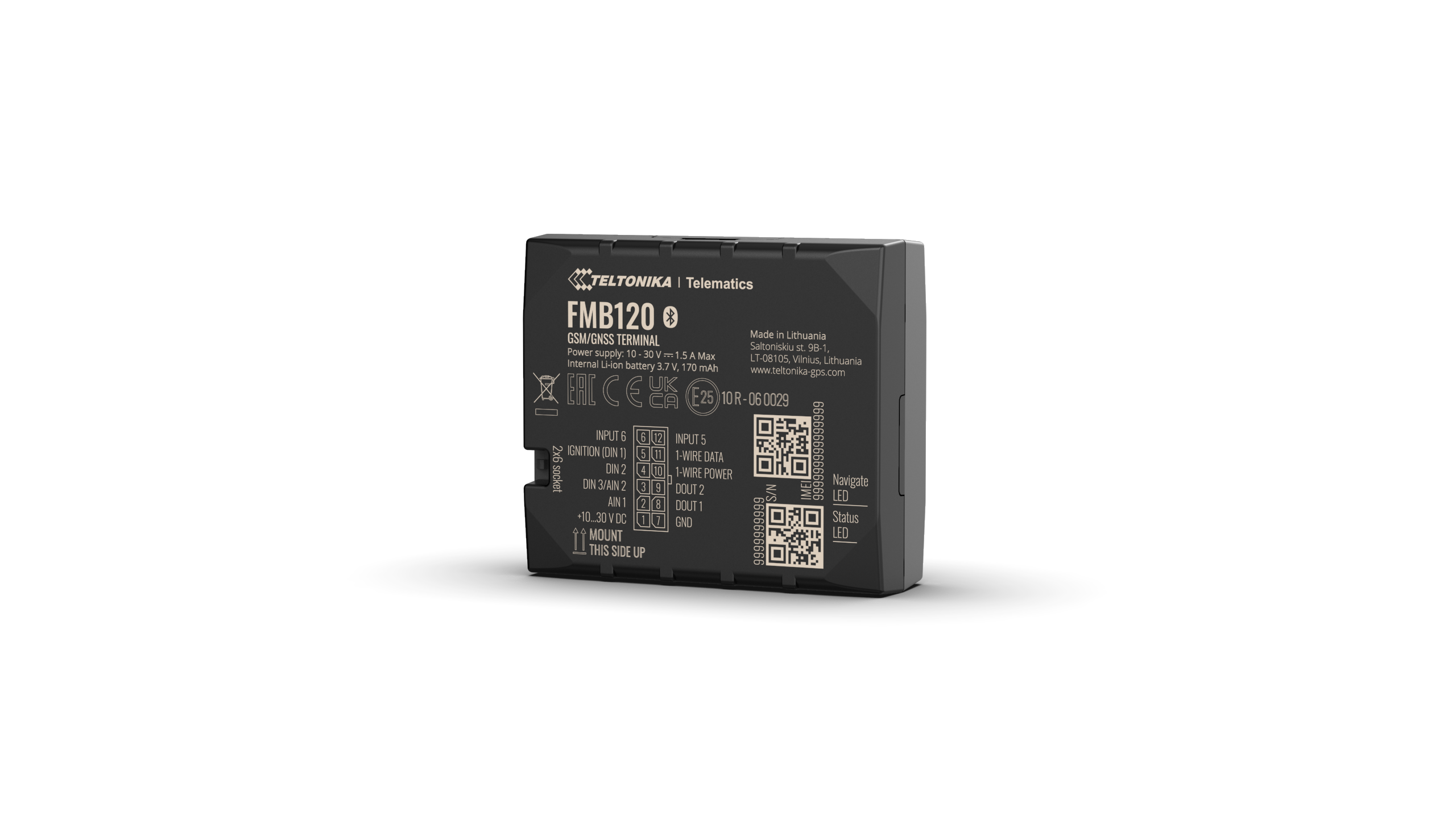
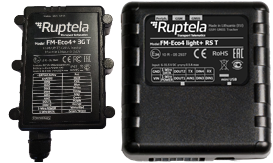

.jpg)
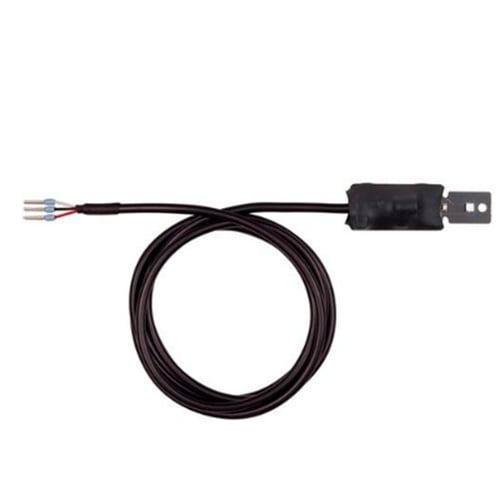
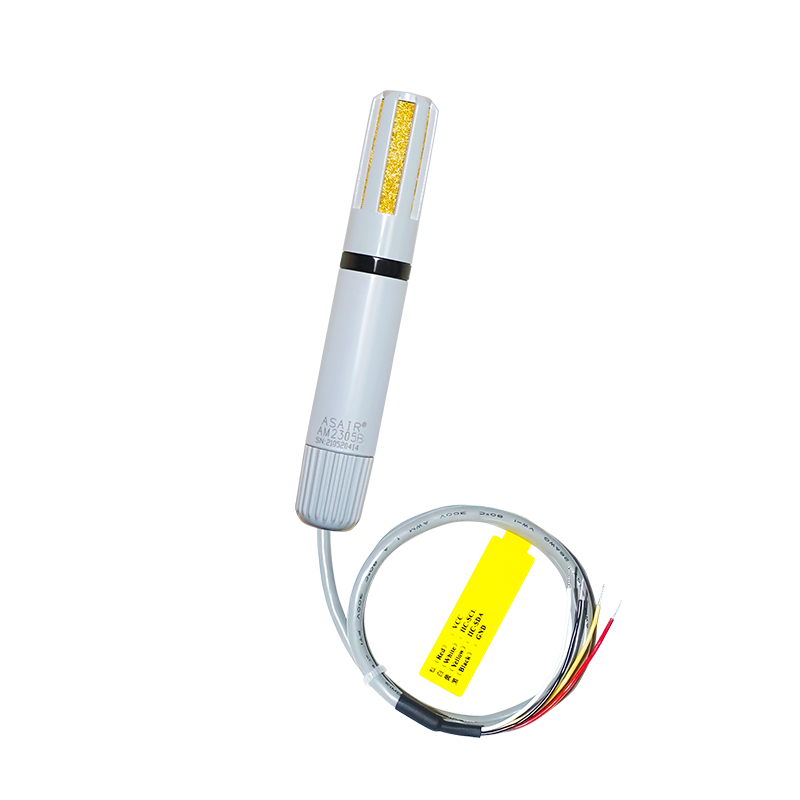
.jpg)
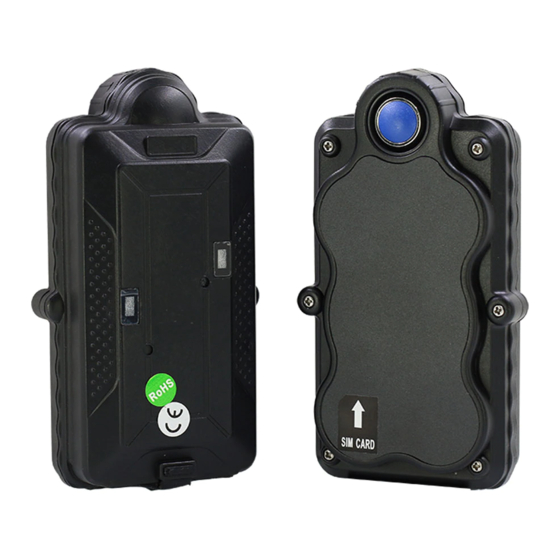
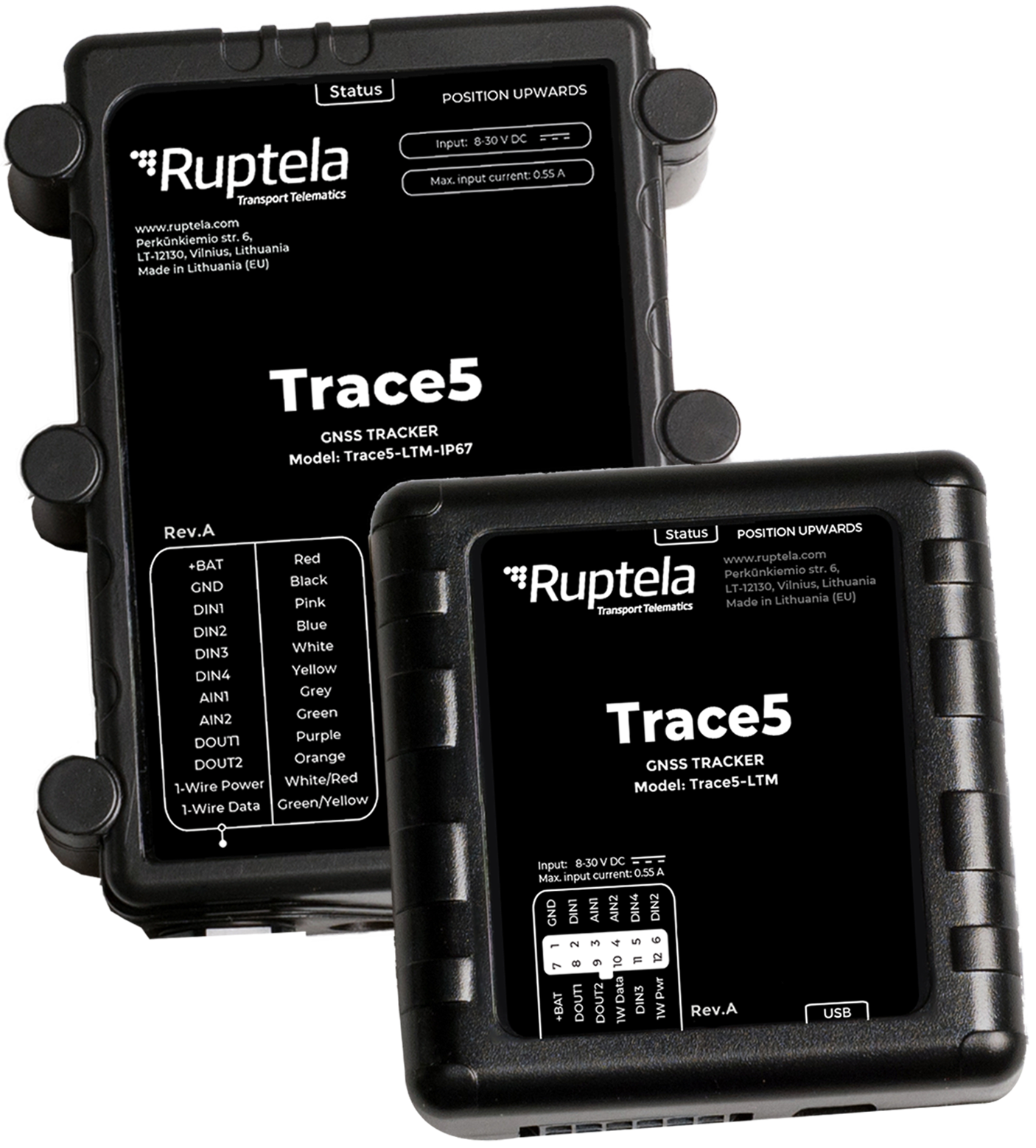
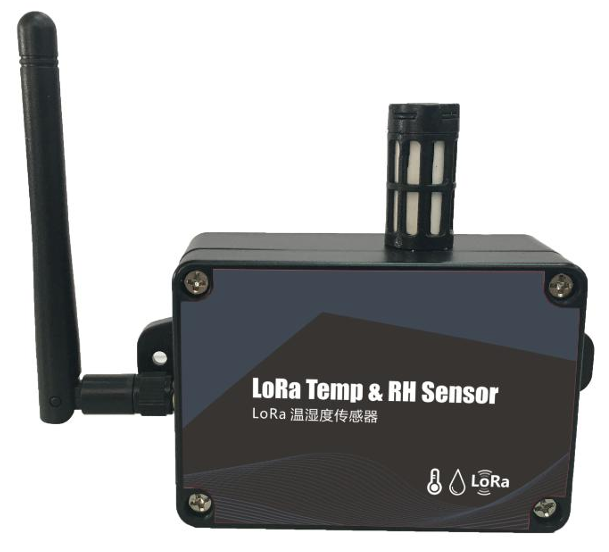

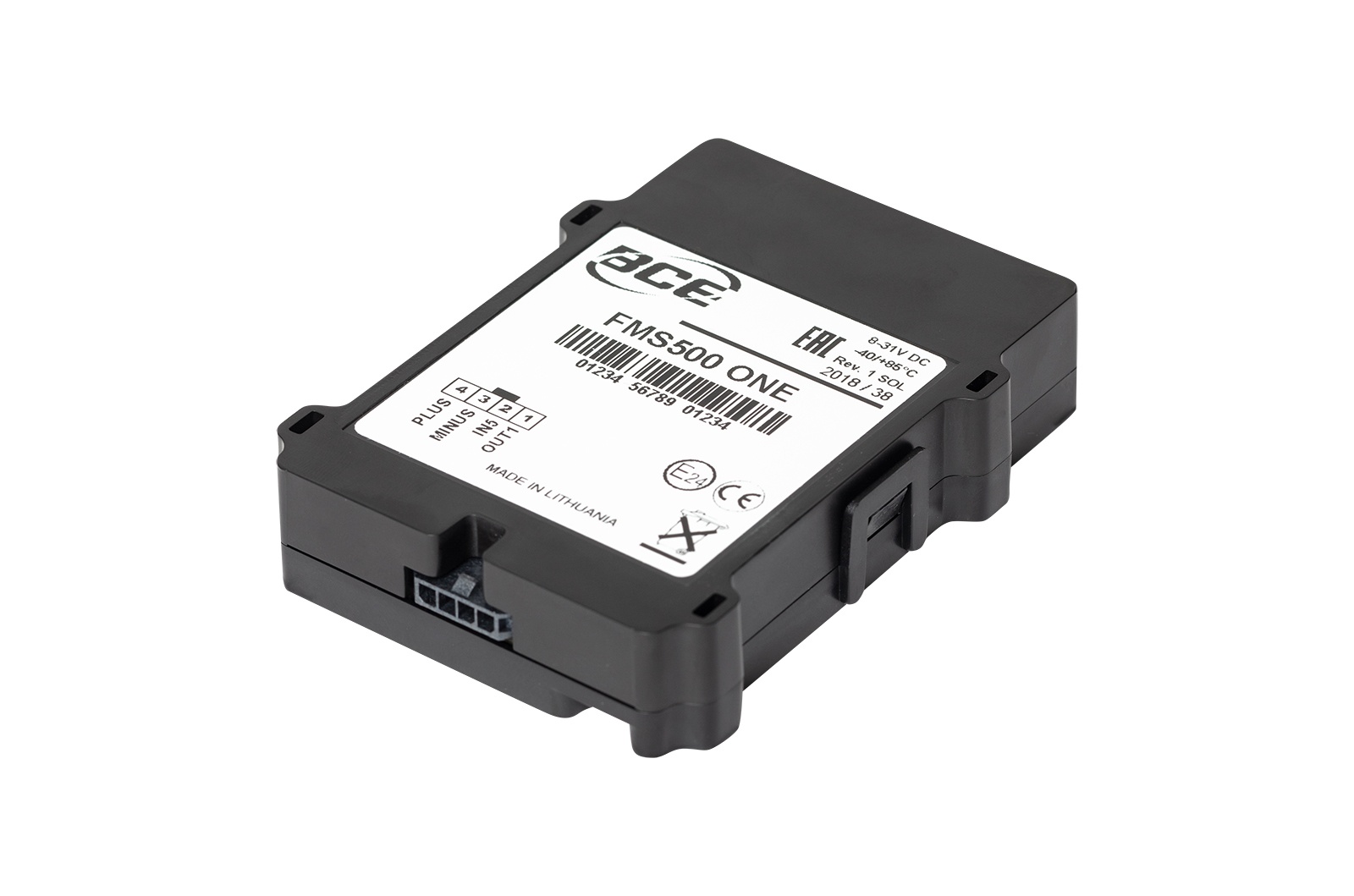
.jpg)
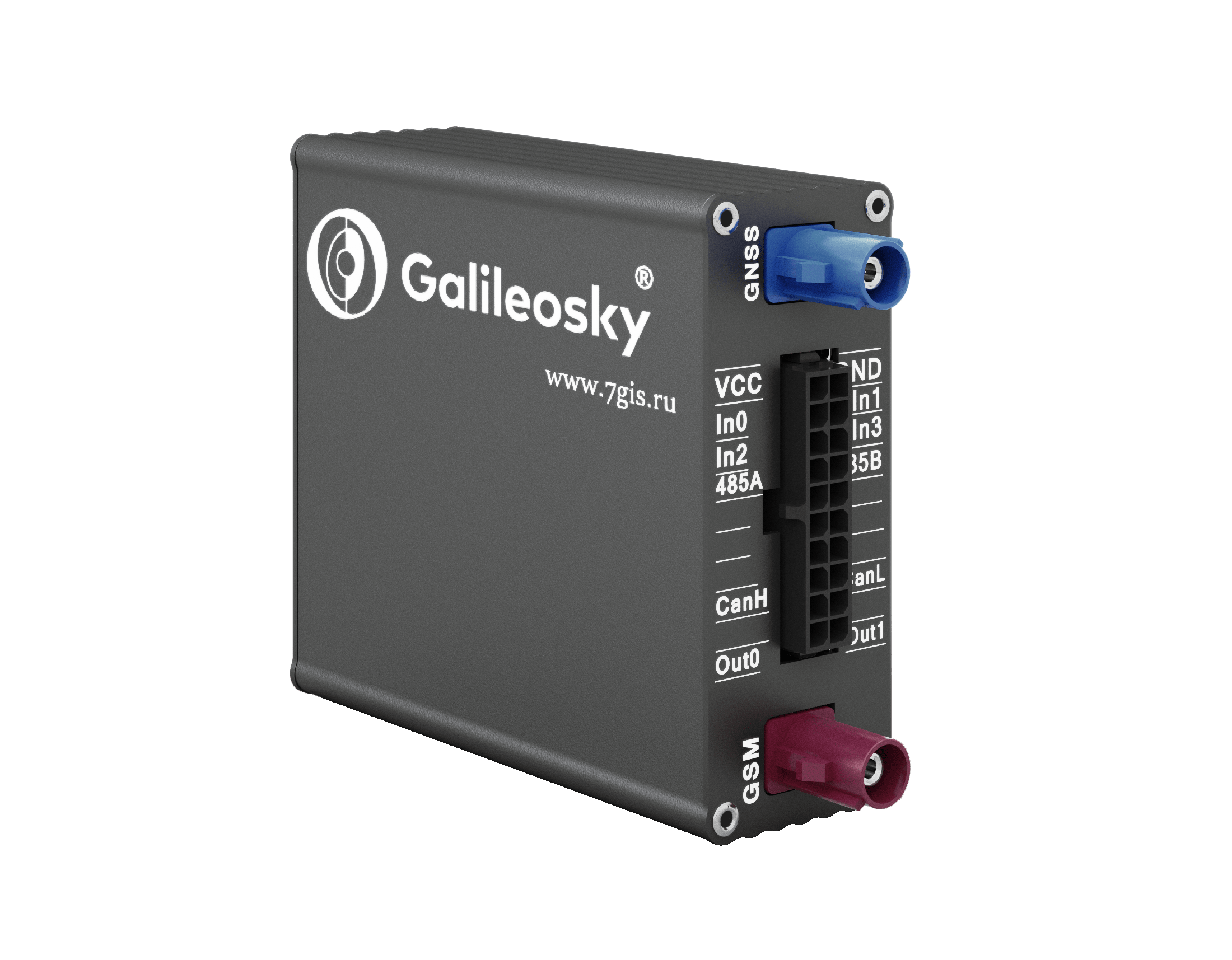
BCE XTCAN
.jpg)
- Track & trace;
- 2 simultaneous CAN-bus connections;
- FMS CAN & sensors viaJ1939;
- Main LCV CAN data;
- Geofencing and overspeeding
- Fuel level sensors (analog, frequency and digital);
- Driver identification;
- RFID support;
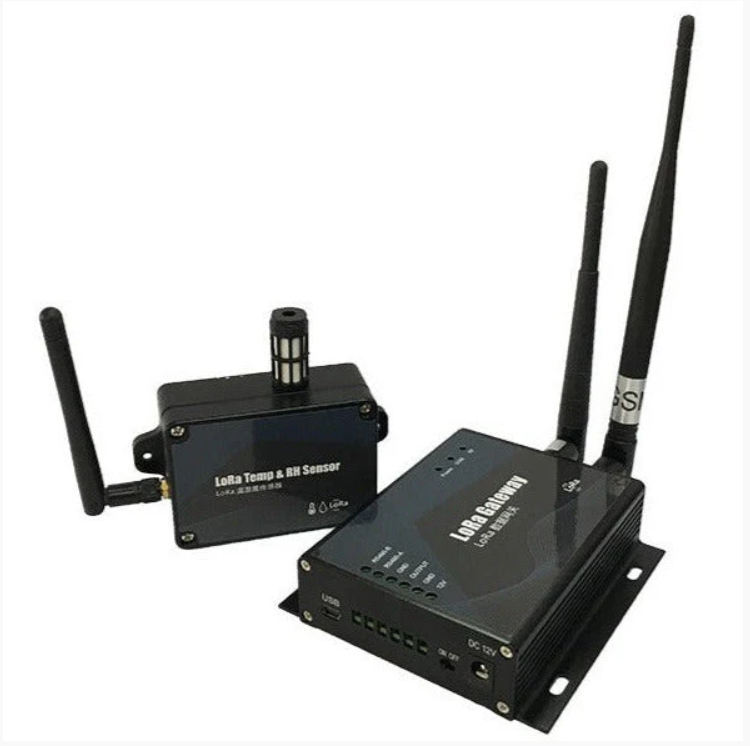
- Temperature/humidity sensors;
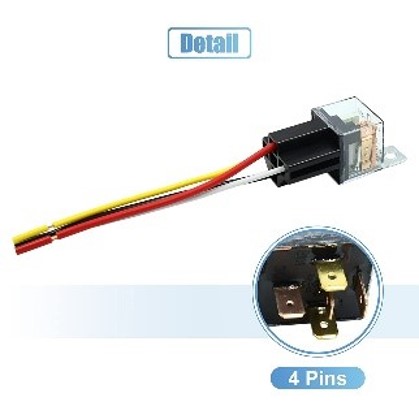
- Remote output control and immobilization
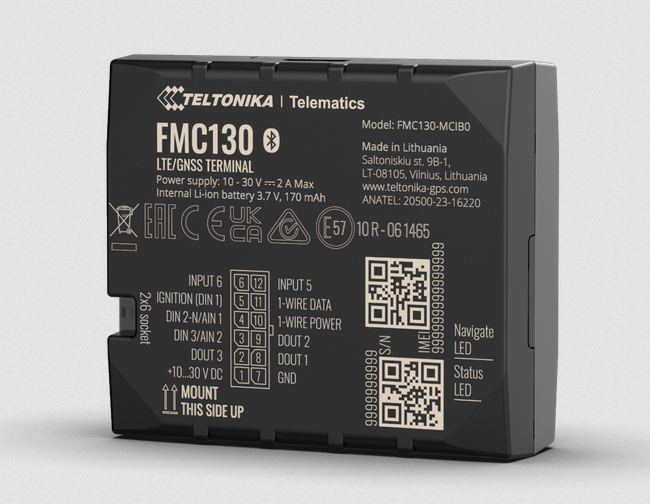
Pinout
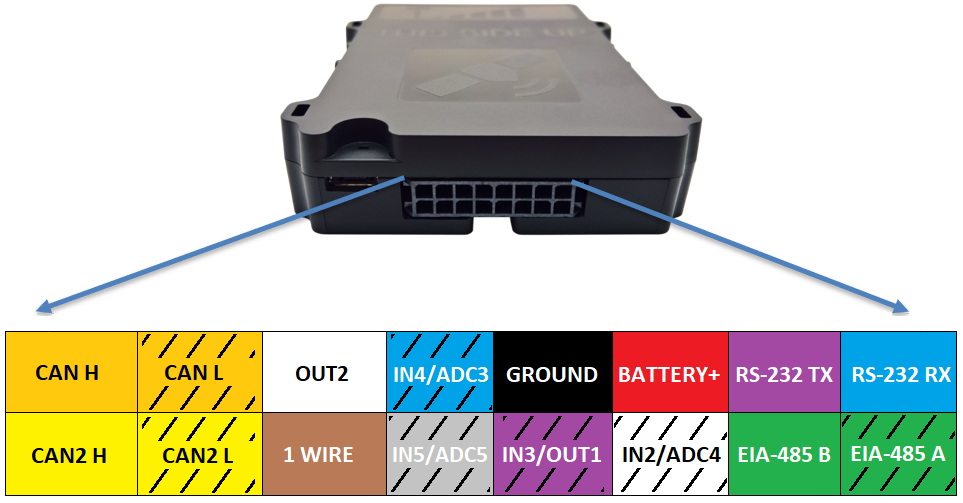
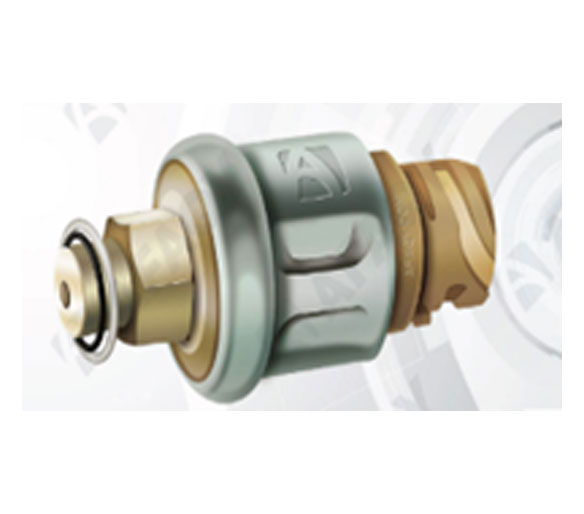
- Inputs
- 4x digital (frequency, impulse counter, ON/OFF modes);
- 3x analogue, 11 bit, 0-31V.
- Outputs
- 2x digital, (-).
- Interfaces
- 1-Wire;
- RS-232;
- EIA-485.
- Wiegand 26 bit
- Thermo data logger support (Thermo King TouchPrint, DataCold, Transcan).
- 2 CAN lines operating simultaneously:
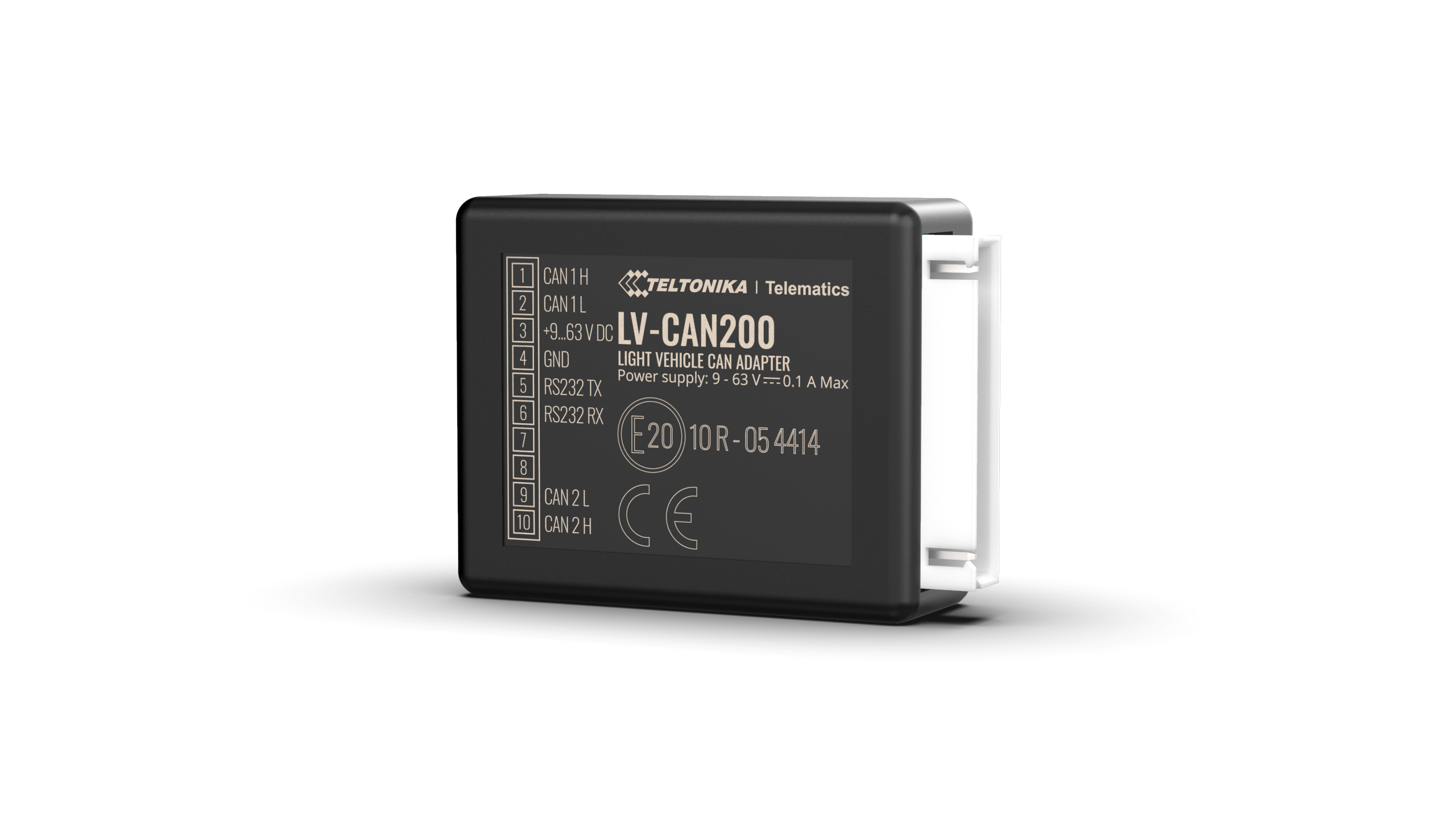
- CAN line1: engine CAN on light vehicles.
- CAN line2: comfort CAN on light vehicles
- Volvo/Renault CAN (protocol J1708, without adapters)
- FMS CAN (protocol J1939);
- Power supply
- 9 – 31V;
- Protection from impulses up to 150V;
- Registration of power cut-off to device event log;
- Internal battery 210/850 mAh (optional).
Technical Specification
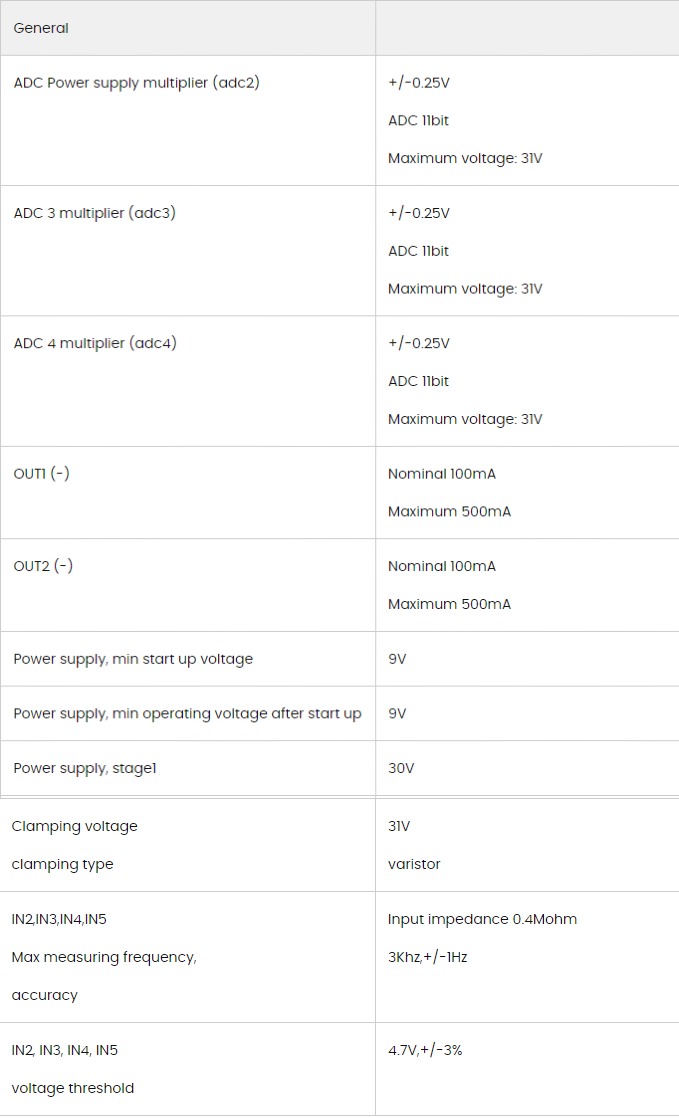
notes
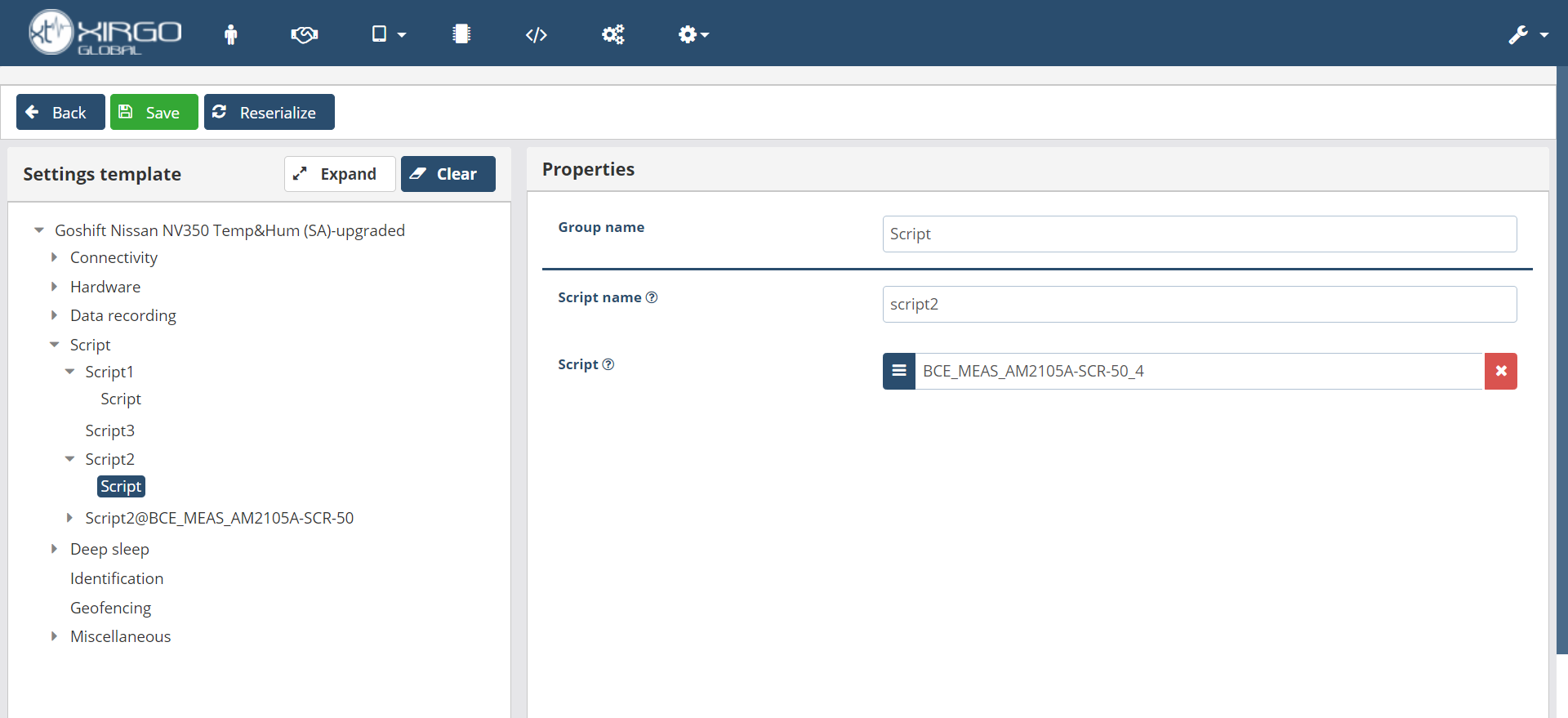
- The distinction between standard devices and SDK devices lies in the ability to insert scripts, which can enable features that do not exist in the default template setting, as shown:

- Best Firmware For Xtcan Devices: FF0_01_122 and it is compatible with all sensors and commands and recommended
- The firmware FF0_01_126 is compatible with all sensors, however, commands sent through CAN may experience a delay in execution.
- Uploading the old setting template V68 to the devices is not recommended as it can cause signal issues. However, the new version, V5, is recommended for upload.
- The latest version is V7, and it's the only version that allows insertion of two IPs.
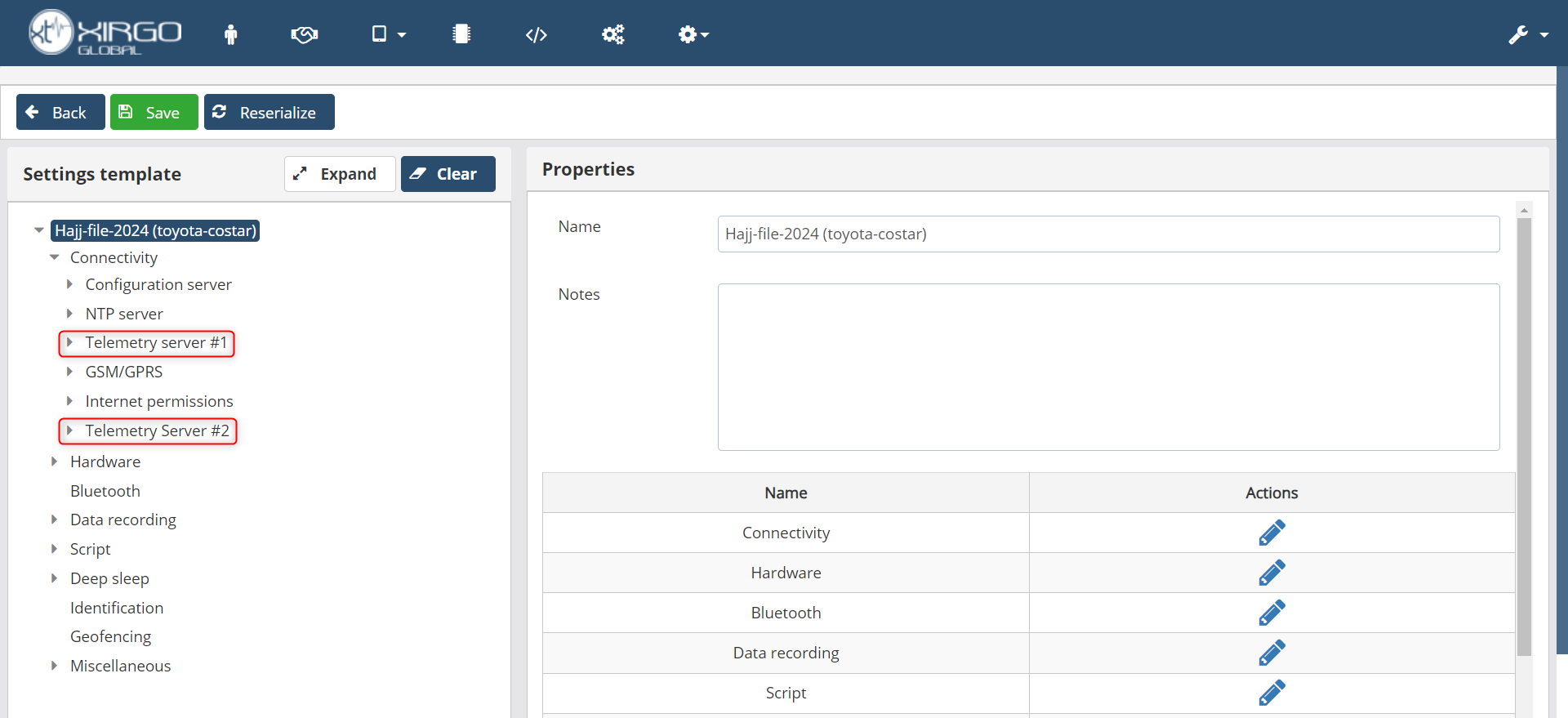
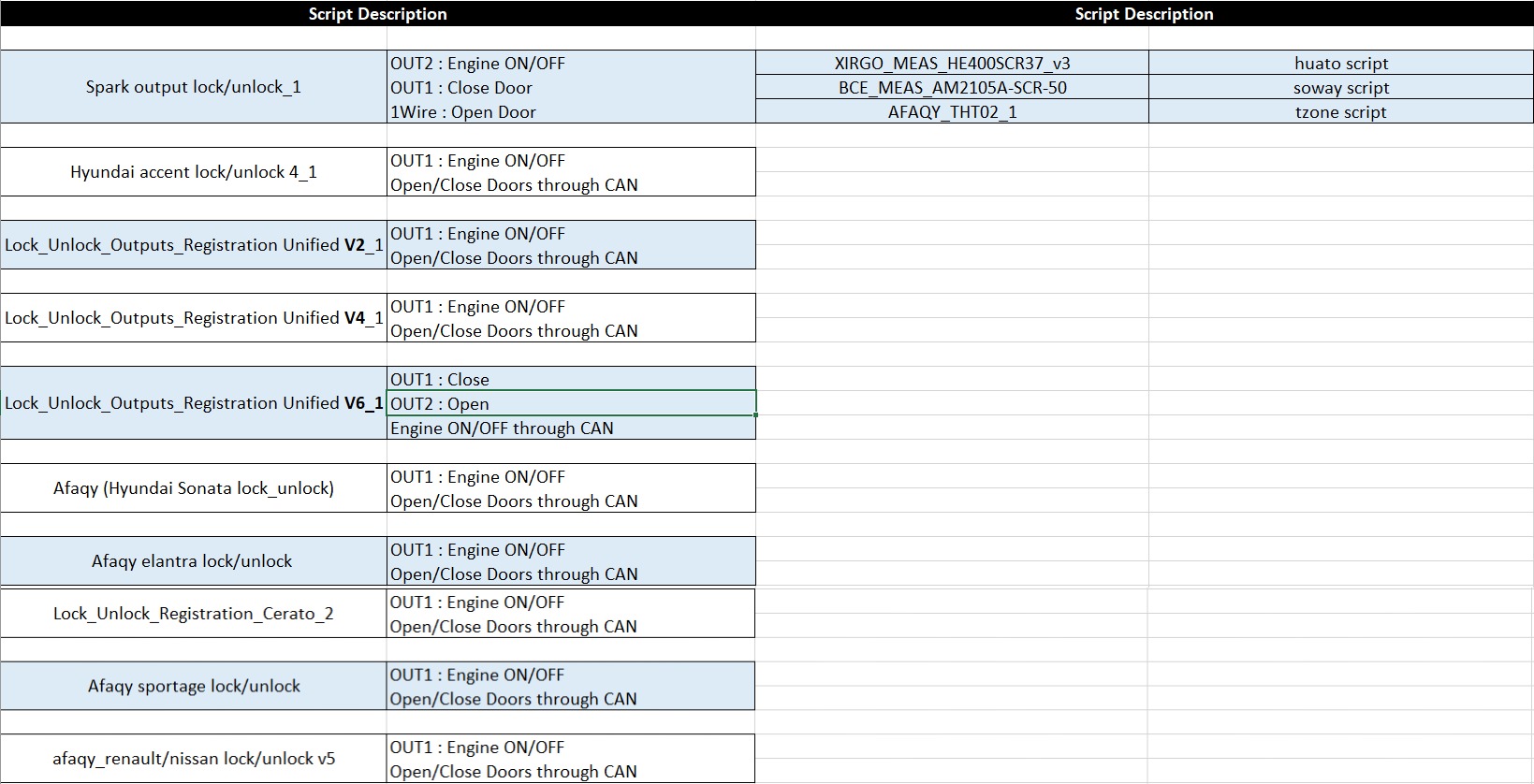
- There are old scripts without (_1) and new scripts with (_1). Please insert the new ones
- Example: (Spark output lock/unlock)--->old & (Spark output lock/unlock_1)---->new
- Most common scripts:
- Reference configuration: Goshift Nissan NV350 Temp&Hum(SA)-upgraded
- The XTCAN 4G version is similar to the 2G version but has two differences:
- modem version
- firmware versions so 4G devices have different configurations
- Check device led behavior on the following link: LED Behavior
compatible sensors
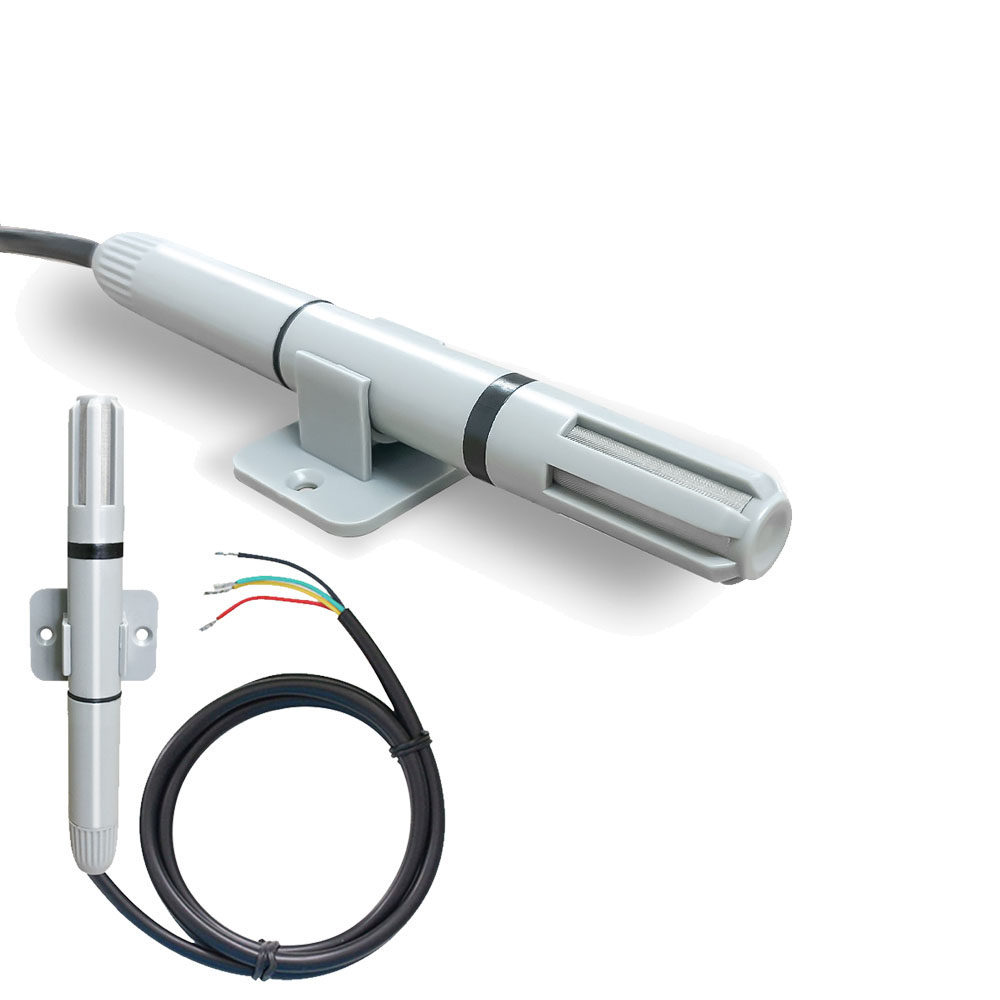
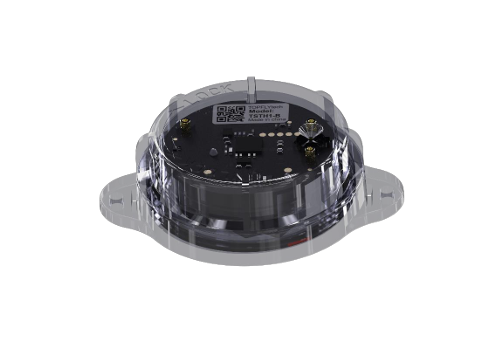
Tzone-TZTHT-02

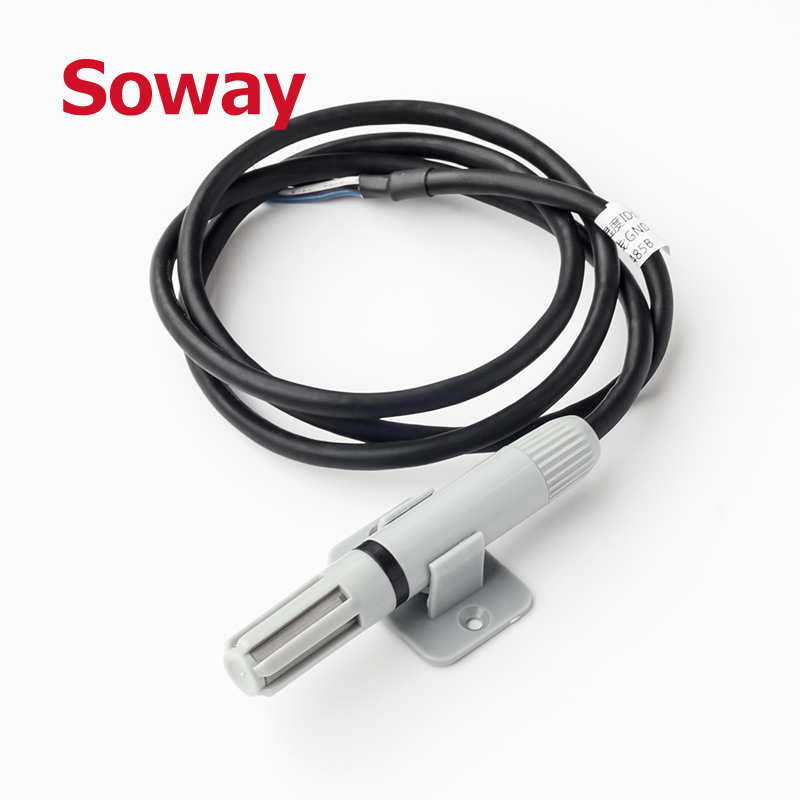
Soway (ST118)
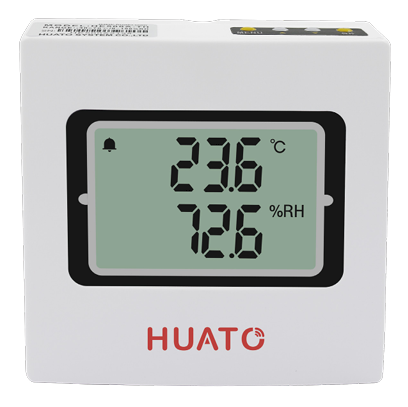
Huato
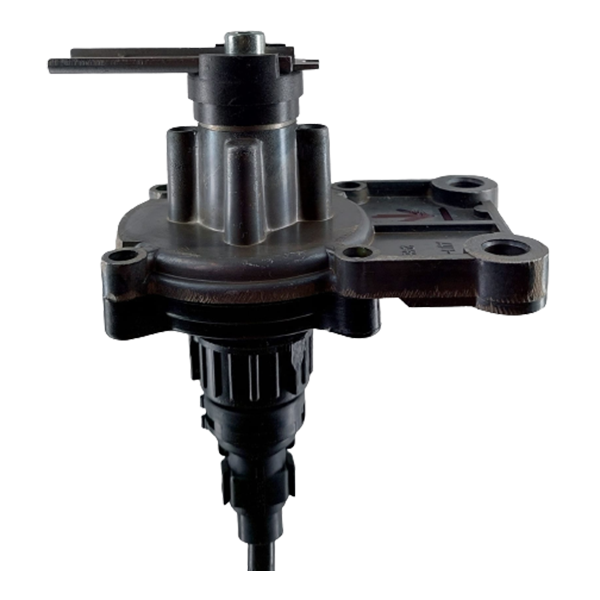
Load Sensor

Pressure Sensor
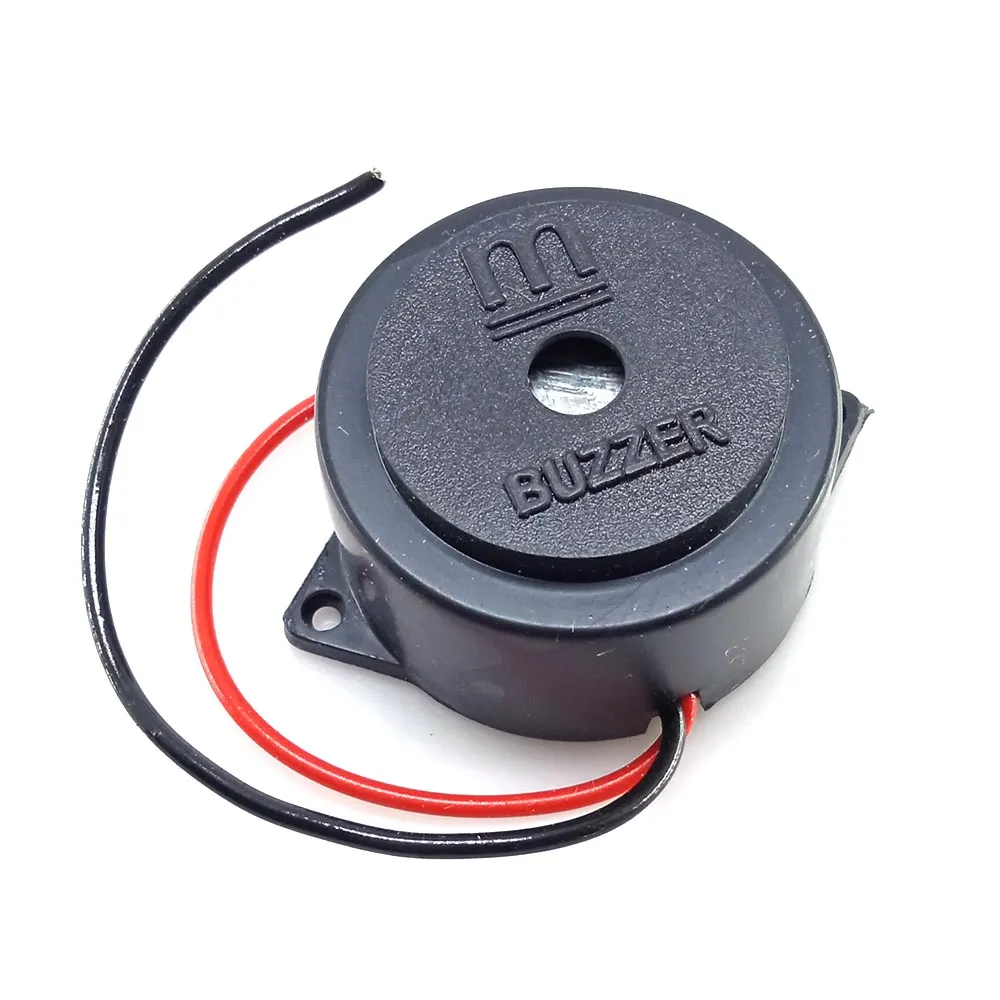
Buzzer
Door Sensor
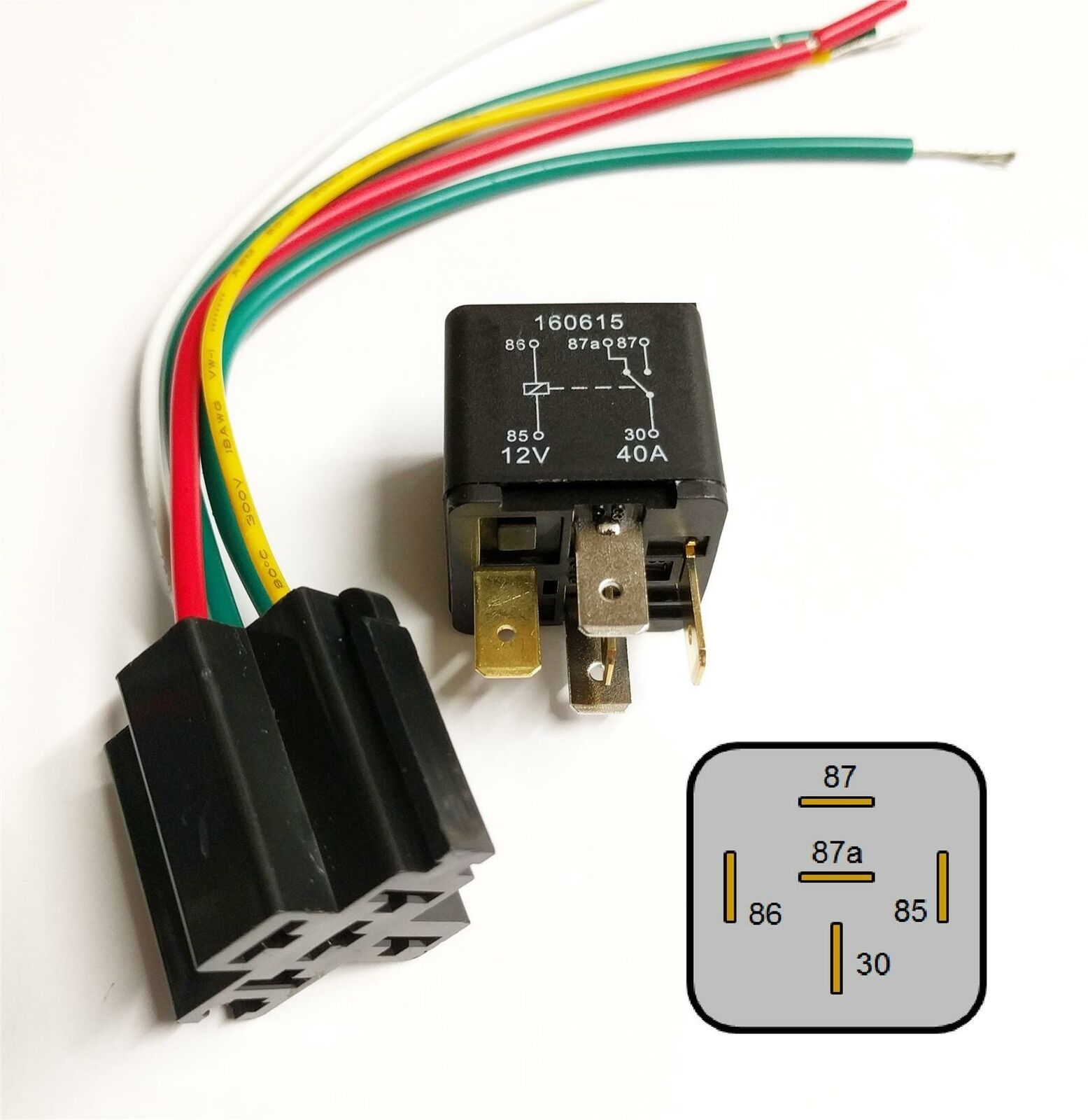
immobilizer

Panic Button
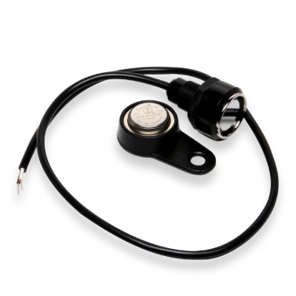
I-Button
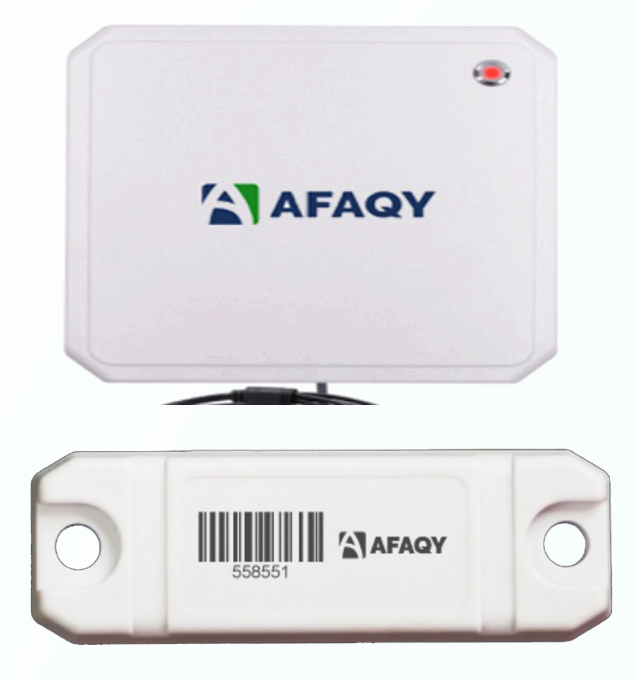
RFID Reader


