







.jpg)
.jpg)
.jpg)

.jpg)
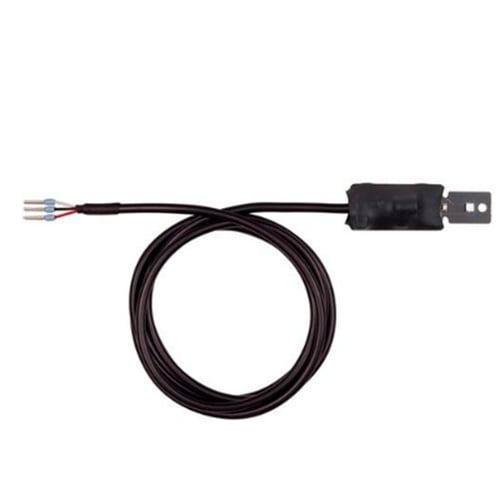
LV-CAN 200
LV-CAN 200
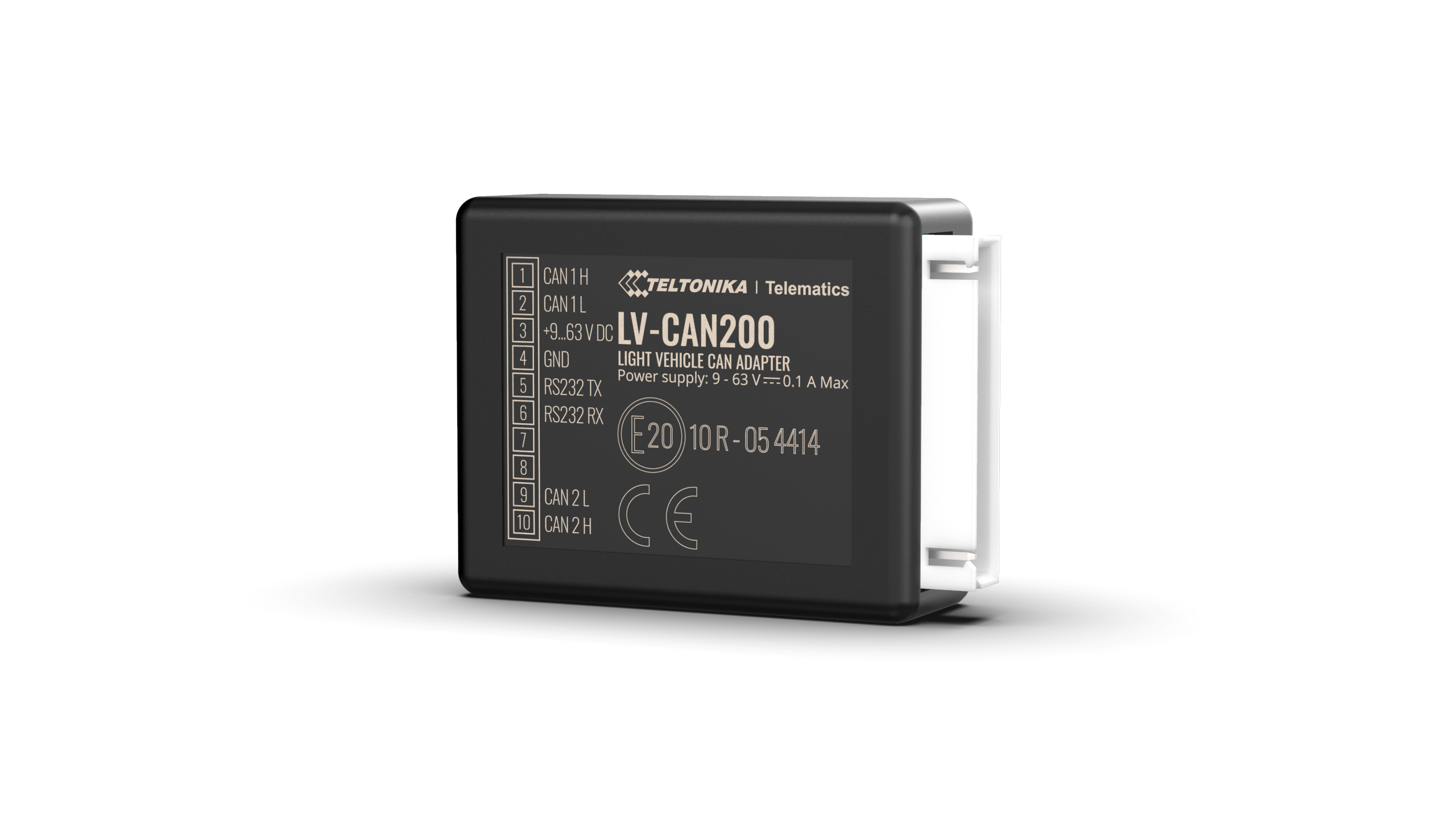
Access to CAN Bus data enables fleet operators to report on a wide range of information. You can effectively identify areas of improvement within their vehicle operation to drive down overhead and minimize environmental impact.
- Total fuel consumption
- Fuel level (Dashboard)
- Vehicle mileage — Vehicle mileage from dashboard
- Door status — Front left door, Front right door, Rear right door,Rear left door, Trunk cover, Engine cover (hood)
- Engine speed (RPM)
- Oil pressure/level status
- Engine temperature
- Vehicle speed
- Accelerator pedal position
Pinout

- CAN adapter PIN 6 (Rx) to INPUT 6
- CAN adapter PIN 5 (Tx) to INPUT 5
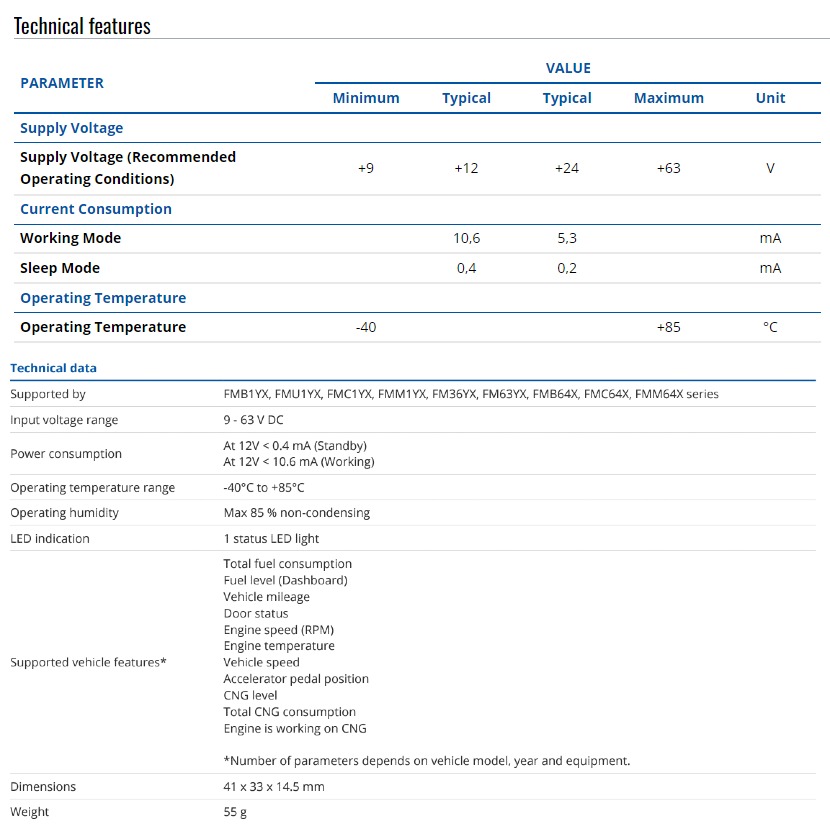
Technical Specification
notes
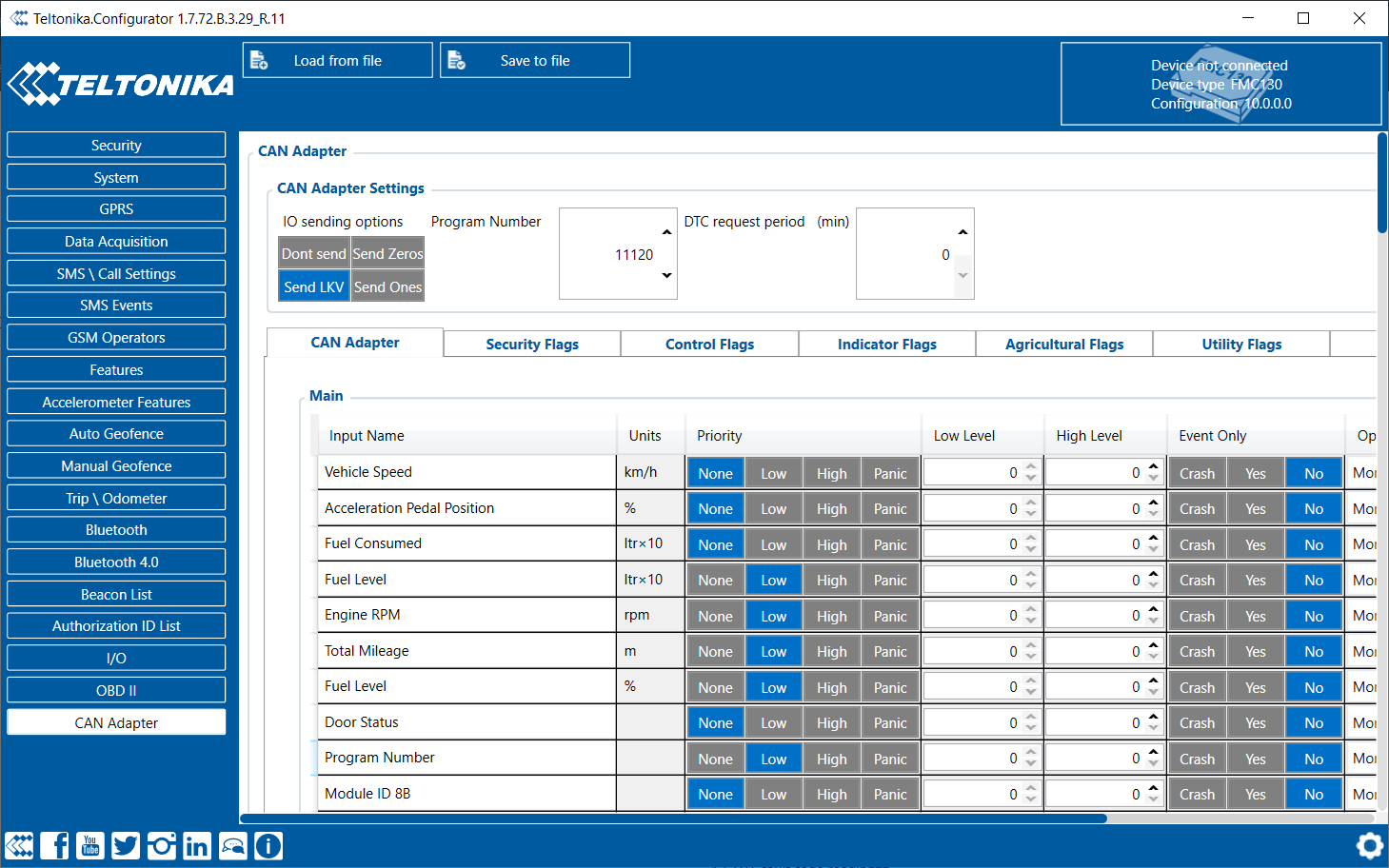
- CAN adapter program number can be set via Teltonika Configurator → (1) CAN Adapter → (2) Program Number. When program number is entered press
- Or send the program as a massage
- Example: lvcangetprog12353
- Or send the program as a massage
- You can see the program number and car models through the following link:
- https://wiki.teltonika-gps.com/images/0/0a/LV-CAN200_list_2024_03_11_en.xlsx
- Selected the required parameters
- The LVcan must be blinking, serving as an indication that it is operational and functioning correctly.


